
Best POS Systems for Retail Stores in the Bay Area (2025-2026 Guide)
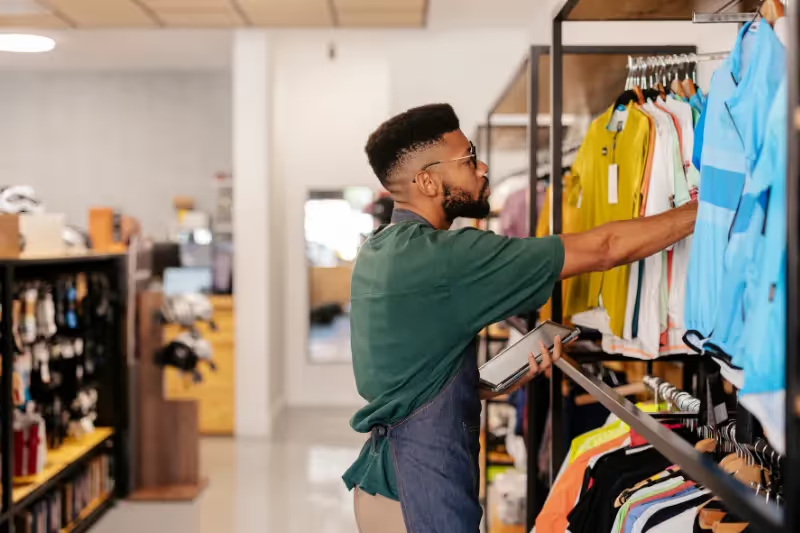
Running a retail business in the San Francisco Bay Area comes with unique challenges. From higher operating costs to demanding customers who expect fast, seamless checkout experiences, local retailers need tools that work efficiently without inflating overhead.
One of the most important decisions you’ll make is choosing the right POS system for your retail store. The right system helps you sell faster, manage inventory, and understand your business—without complicated software or hidden fees.
In this guide, we’ll walk through what Bay Area retailers should look for in a POS system, common mistakes to avoid, and why simpler POS solutions are often the best choice for small and growing retail businesses.
Why Retail POS Systems Matter More Than Ever in the Bay Area
Retail competition in cities like San Francisco, San Jose, Oakland, Walnut Creek, and Palo Alto is intense. Customers expect:
- Fast, contactless checkout
- Multiple payment options
- Accurate inventory availability
- Smooth in-store experiences
At the same time, retailers face rising rent, labor costs, and processing fees. A modern POS system isn’t just a checkout tool—it’s a cost-control and efficiency tool.
Common POS Challenges for Small Retail Stores
1. Overly Complex POS Software
Many retail POS platforms are built for large chains, not independent shops. As a result, small retailers often deal with:
- Features they don’t need
- Steep learning curves
- Long onboarding times
This leads to frustration for staff and slower checkout for customers.
2. Hidden Fees and Unclear Pricing
Retailers often sign up for POS systems without fully understanding:
- Processing fee structures
- Monthly software charges
- Add-on costs for inventory or reporting
Over time, these costs quietly chip away at already tight margins.
If this sounds familiar, our guide on payment processing for small businesses breaks down how fees actually work and what to watch out for.
3. Inventory Management Headaches
Poor inventory tracking can result in:
- Stockouts
- Overstocking
- Missed sales opportunities
Retailers need inventory tools that are easy to use and accurate, not overly technical.
4. Slow Checkout Experiences
Long lines and slow payment processing can turn customers away—especially in high-foot-traffic areas like downtown shopping districts or weekend markets.
What to Look for in a POS System for Retail Stores
When evaluating a POS system for your retail business, focus on simplicity, speed, and transparency.
Fast, Reliable Checkout
Your POS should support:
- Tap-to-pay and contactless payments
- Digital wallets
- Quick card transactions
Fast checkout keeps lines moving and customers happy.
Simple Inventory Management
A good retail POS system should allow you to:
- Track products in real time
- Update prices easily
- View basic sales trends
You don’t need enterprise-level complexity—just clear visibility.
Transparent Pricing
Retailers should always know:
- What they pay per transaction
- Whether there are monthly fees
- What hardware costs upfront
Clear pricing makes budgeting easier—especially for small businesses.
Easy Training for Staff
Retail businesses often rely on part-time or seasonal employees. Your POS system should be intuitive enough that:
- New staff can learn it quickly
- Checkout errors are minimized
- Training time stays short
Why Simple POS Systems Work Best for Small Retailers
Many Bay Area retailers are discovering that simpler POS systems outperform complex ones.
A streamlined POS system:
- Reduces checkout friction
- Minimizes employee errors
- Requires less ongoing support
- Keeps costs predictable
Instead of paying for features designed for national chains, small retailers benefit more from tools built around daily retail operations.
How OlaPay Supports Retail Businesses in the Bay Area
OlaPay was designed for small and growing retail businesses that want reliable payment processing without unnecessary complexity.
Built for Local Retail Operations
Whether you run a boutique, convenience store, specialty shop, or pop-up retail location, OlaPay supports:
- In-store card and contactless payments
- Simple inventory tracking
- Fast checkout experiences
Clear, Straightforward Pricing
OlaPay prioritizes transparency, helping retailers avoid:
- Hidden processing fees
- Confusing contracts
- Unexpected add-on charges
This makes it easier for Bay Area retailers to plan and manage expenses.
Stress-Free Setup
Switching POS systems can feel overwhelming. OlaPay’s team handles:
- System setup
- Hardware configuration
- Onboarding support
So you can stay focused on running your store—not learning new software.
Responsive, Local-Friendly Support
Retailers need support when issues arise—especially during busy hours. OlaPay provides:
- Fast response times
- Knowledgeable support
- A team that understands small retail businesses
Retail Businesses That Benefit Most
OlaPay is a strong fit for retail businesses such as:
- Boutiques and apparel shops
- Specialty food and beverage stores
- Gift shops and lifestyle stores
- Convenience and neighborhood markets
- Seasonal and pop-up retail locations
If your business values simple tools, transparent pricing, and reliable support, OlaPay is built to support you.
How Retail POS Connects to Your Bigger Payment Strategy
Your POS system is only one part of your overall payment setup. To fully optimize your operations, it’s helpful to understand:
- How processing fees affect margins
- Which pricing models fit retail best
You can learn more in our guide on how payment processing works for small businesses and explore industry-specific solutions like POS systems for restaurants or payment processing for service businesses.
Get a Free Retail POS & Payment Review
Many Bay Area retailers discover they’re paying more than they should—or using systems that don’t match their needs.
OlaPay offers a free payment statement and POS review to help retail businesses:
- Understand current costs
- Identify inefficiencies
- Explore simpler solutions
No obligation. Just clear insights tailored to your store.
Final Thoughts
Retail success in the Bay Area depends on efficiency, speed, and smart cost management. The right POS system can help you serve customers faster, stay organized, and protect your margins—without unnecessary complexity.
By choosing a POS solution designed for small retail businesses, you position your store for smoother operations today and sustainable growth tomorrow.
